Construct Connect
What is Construct Connect?
Construct Connect is a software that lists projects in varying stages of construction throughout the United States and Canada. Using the Construct Connect Insight tool, FläktGroup SEMCO is able to create searches using criteria such as opportunity stage, location, product tags, and bid date. The software allows us to search for keywords specifically located in projects or company names.
What are the Construct Connect emails I receive each week?
We have created a Construct Connect search for your firm based on opportunity stage, location, product tags, and bid date. Each week, a list is generated for your firm laying out projects bidding within 90 days. A second list is generated based on projects in the planning stage. Each of the projects listed is located in your territory.
We send these emails each Monday. Your team will receive one for projects in the bidding stage and one for projects in the planning stage. If you know of a team member who has not been receiving these emails, notify us at marketing.semco@flaktgroup.com and we will sign your team member up to receive these emails.
These emails arrive from: salesleadgen@flakgroup.com
I don’t have an account with Construct Connect. How do I view the projects?
1. Your Regional Sales Manager will “share” the project with you.
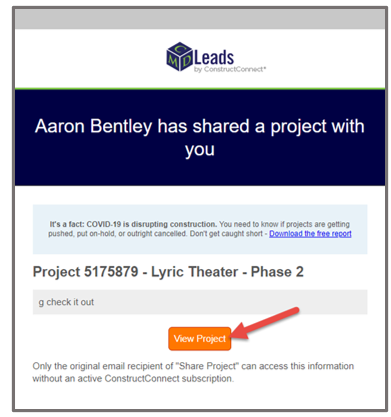
Don’t have a Construct Connect account? No problem! Your Regional Sales Manager has an account. Simply email your Regional Sales Manager a list of the projects in which you are interested and they will share the project with you. In your email, you will receive a link to access the shared project.
These emails will arrive from: customercare@constructconnect.com
Open the email and click on the “View Project” button.
2. Set up a free account and view the project.
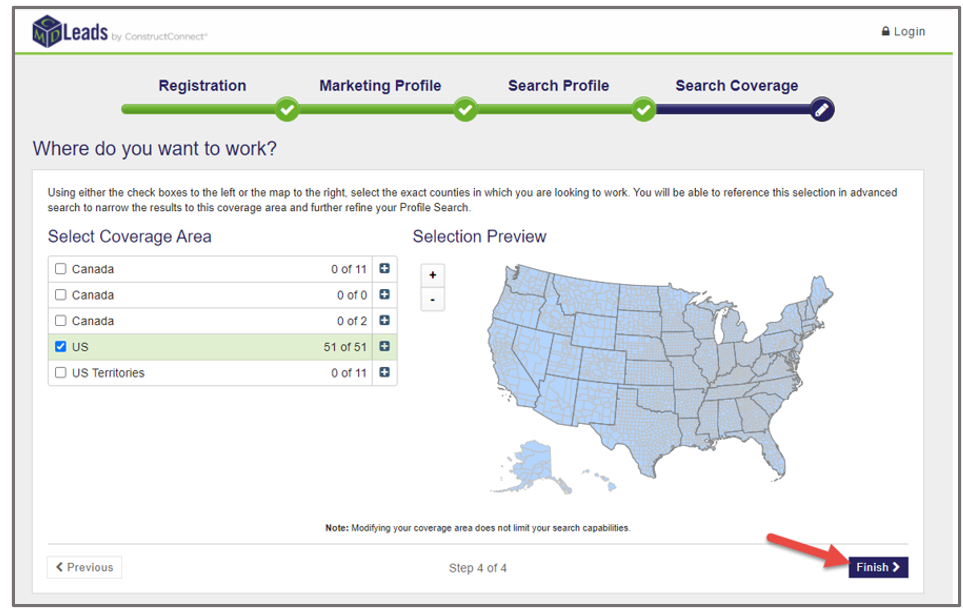
The first time you log in, you will need to register an account with Construct Connect. This is a free account. Once you have created the account, you will be taken to the project information. This project information includes: plans, specifications, contact information, and important dates.
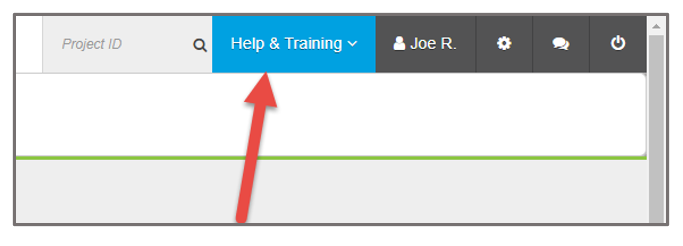
If you feel you need more assistance and training, there is a button labeled “Help & Training,” and it will allow you to access live chat, provide feedback, access support videos, and training materials.